Switching the display to standby
When the display is switched on follow the steps below to put the display into standby (switch off).
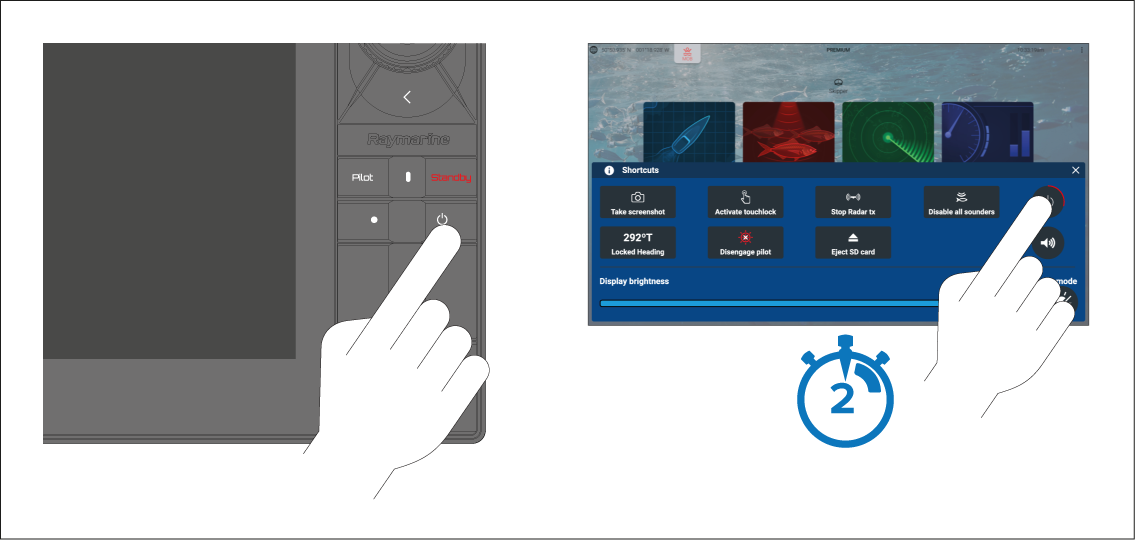
Alternatively, you can press and hold the Power button for approximately 6 seconds to put the display in standby.
Note
When in standby, the display may still draw a small amount of power from the battery. If this is a concern, unplug the power supply or switch off at the breaker.