Pinging the Race start line
A Race start line can be created using your vessel’s GNSS (GPS) position to ping each end of the Race start line.
The steps below are provided as an example, where the port end point is placed first. It does not matter which end point is placed first.
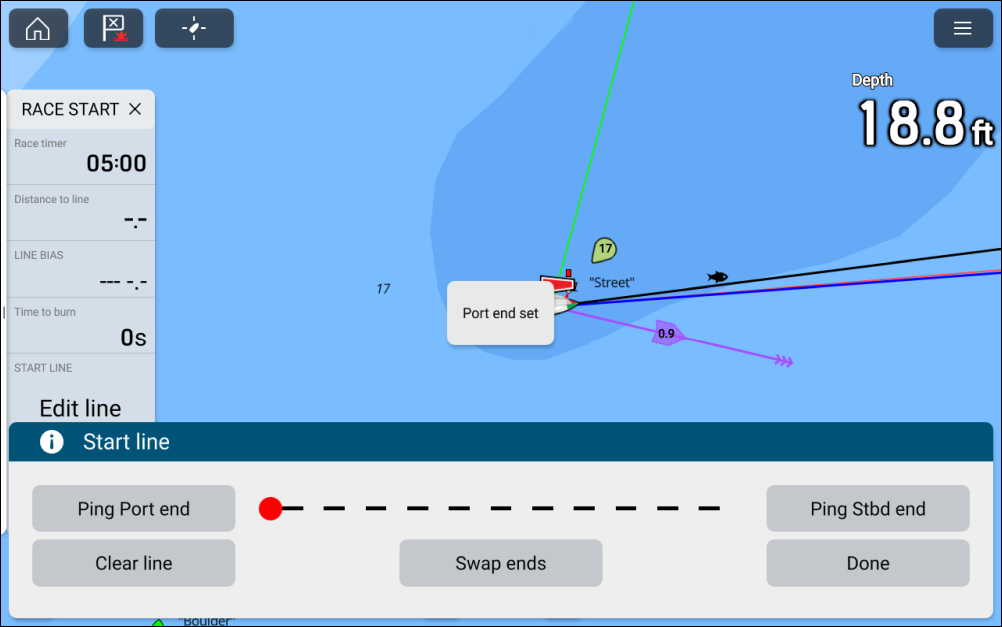
- Select Ping Port end..
- Select Ping Stbd end.
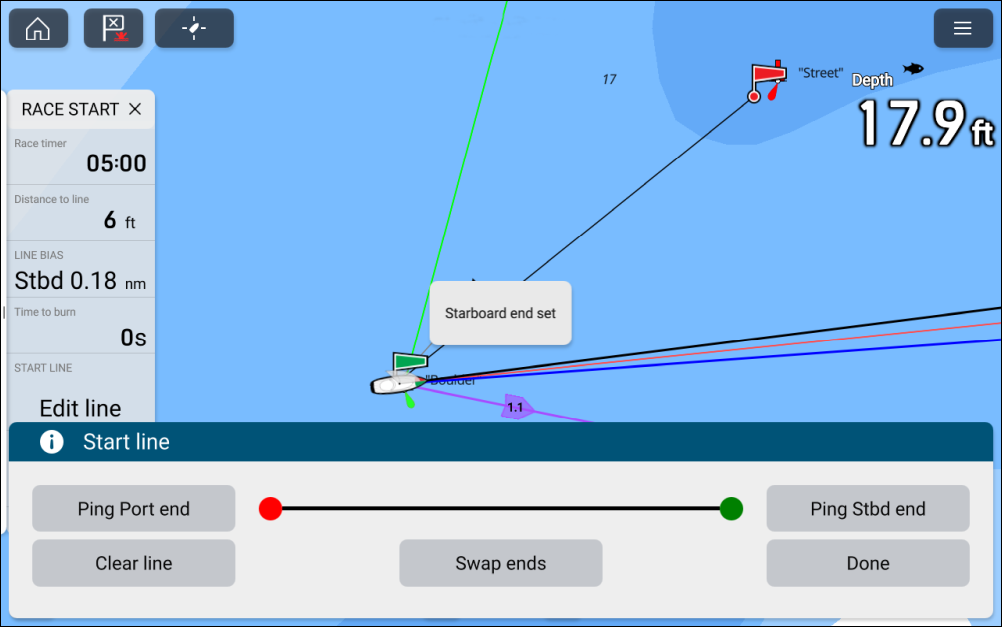
Pinging the Race start line ends will use your vessel’s location (from an internal or external GNSS receiver). When pinging the end points, it is important to compensate for the distance between your vessel’s bow and the GNSS receiver’s location.
To increase the accuracy of start line placement:
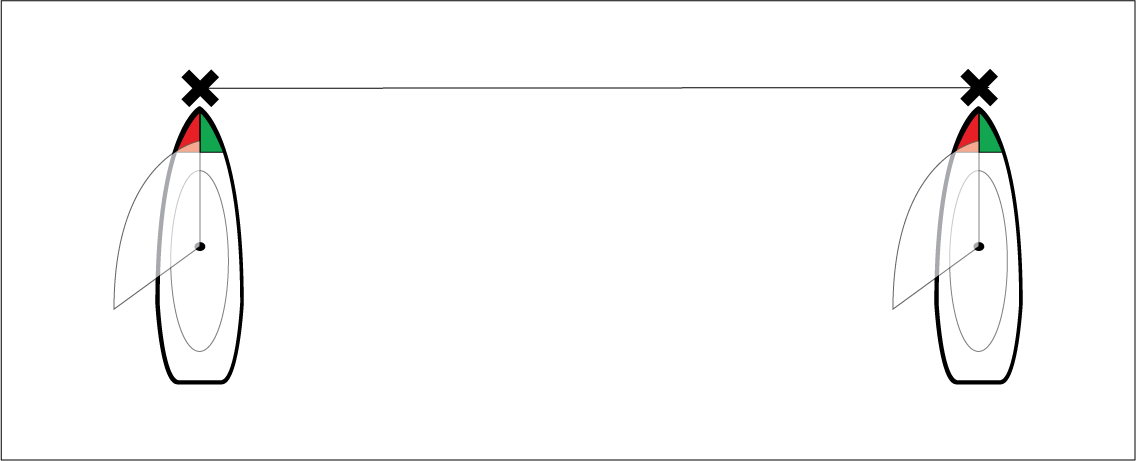
Approach an end point from the same direction you will be traveling when starting the race.
Align your vessel so it is perpendicular to the end point.
When the bow of your vessel reaches the end point, ping the location.
Repeat for the alternate end, ensuring your vessel remains perpendicular to the line.