Importing user data or settings from a memory card

You can restore user data (waypoints, routes and tracks) and settings that have been exported to a memory card.

Important
  • Restoring your settings will also restore any new or customized Dashboard app pages.

  • Digital switching Dashboard app pages will not be restored when importing your settings. The original configuration will need to be re-installed..
User dataRestoreImportSettingsRestoreImport
  1. Insert the memory card containing your saved data into a card reader slot.
  2. Select Import from card from the Import/export page: Homescreen > My data > Import/export.

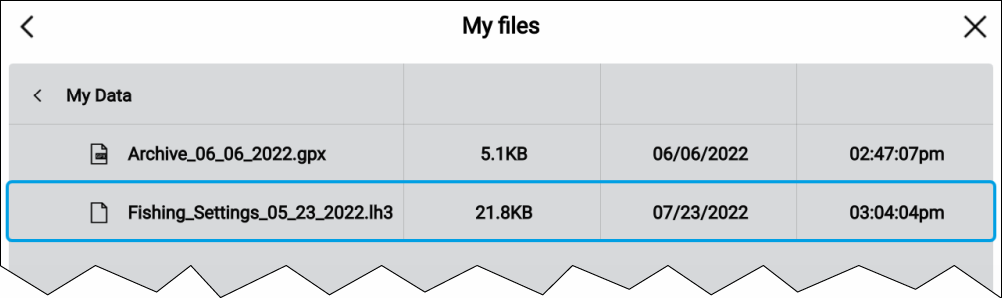
    The file browser is displayed

  3. Navigate to the gpx or lh3 file that you want to import.

    User data and settings files will be located in the \Raymarine\My Data\ folder on your memory card.

  4. Select the file.

    The import process will start.

  5. If importing a gpx file, select OK when complete.
  6. If importing settings, select Yes to confirm the settings restore.
    Your MFD will reboot to complete the process.