Electric propulsion
If you select Electric as the Propulsion system during the initial Start up wizard, or in the Boat details settings menu the display will be configured for Electric propulsion.
Configuring the display for Electric propulsion requires LightHouse v4.8.164, or later.
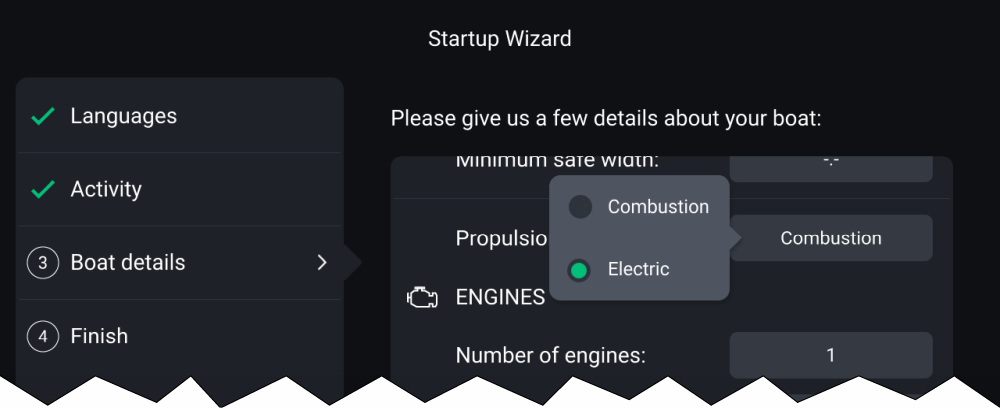
Figure 1. Start up wizard propulsion setting
Propulsion system Electric propulsionThe number of motors (up to 2) can be selected as part of the initial Start up wizard or can be selected later from the Propulsion section of the Boat details settings menu.
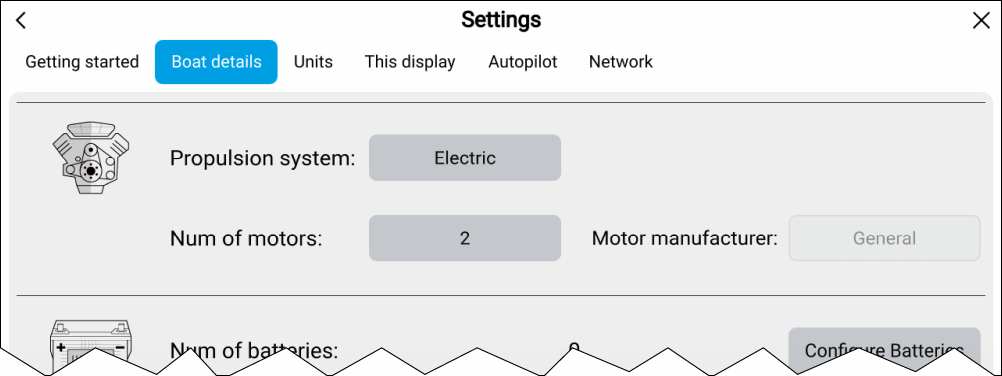
Figure 2. Propulsion system settings menu
The Dashboard app will include the Electric propulsion data page.
The display can receive data from electric propulsion systems which transmit data using the following standard NMEA 2000 PGNs: 127490, 127491, 127494, 127495, 128002 & 128003.
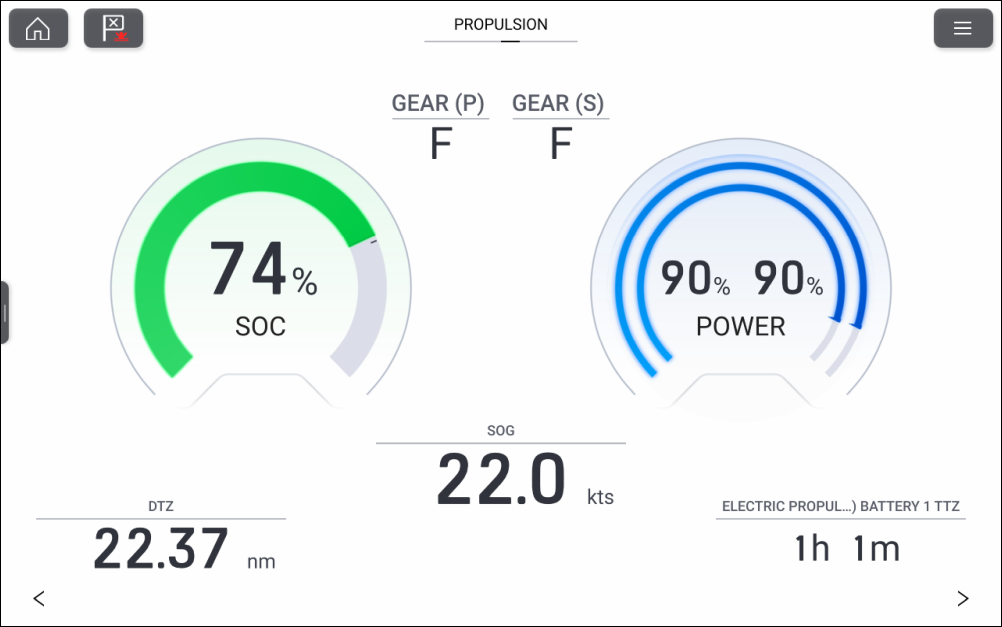
Figure 3. Electric propulsion Dashboard app page
The Battery range for the Electric propulsion system can be viewed in the Chart app as a range ring placed around the vessel icon. The Battery range ring can be enabled and disabled from the boat icon Pop-over menu.
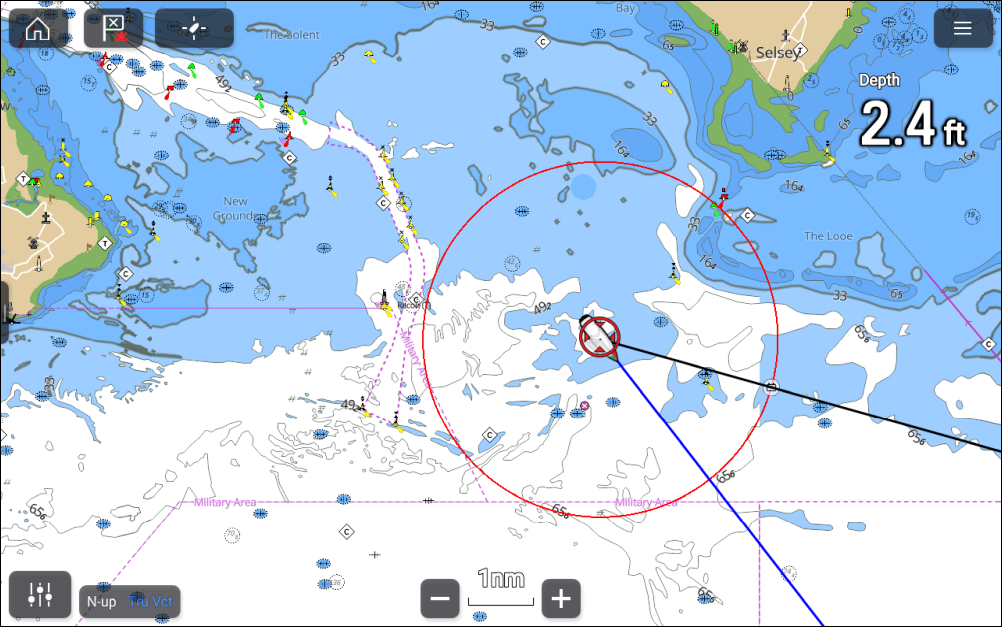
Figure 4. Chart app Battery range ring