Editing a VRM-EBL
Once a VRM/EBL has been placed you can adjust its size and position.
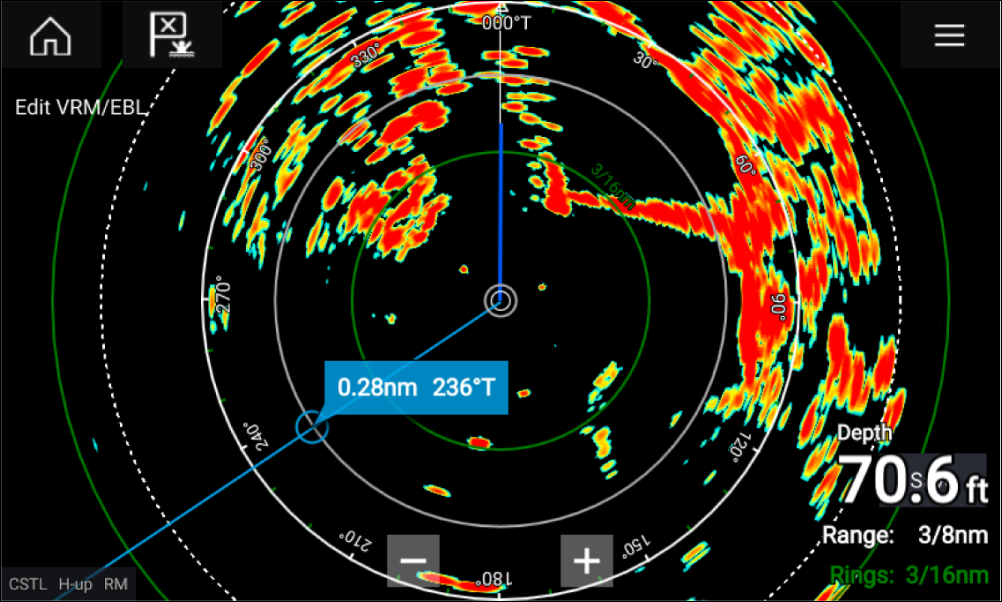
- Select Edit VRM/EBL from the context menu.
- To adjust the VRM/EBL select the desired target or drag the labelled circle to the target.
- To create a floating VRM/EBL Drag the center circle to the desired target.