Customizing the Homescreen background
The display’s Homescreen background can be configured to use a custom image.
The image file (for an individual display) or image files contained in a zip file (for multiple networked displays featuring different display resolutions) must be saved to a memory card inserted into a card reader slot on your display.
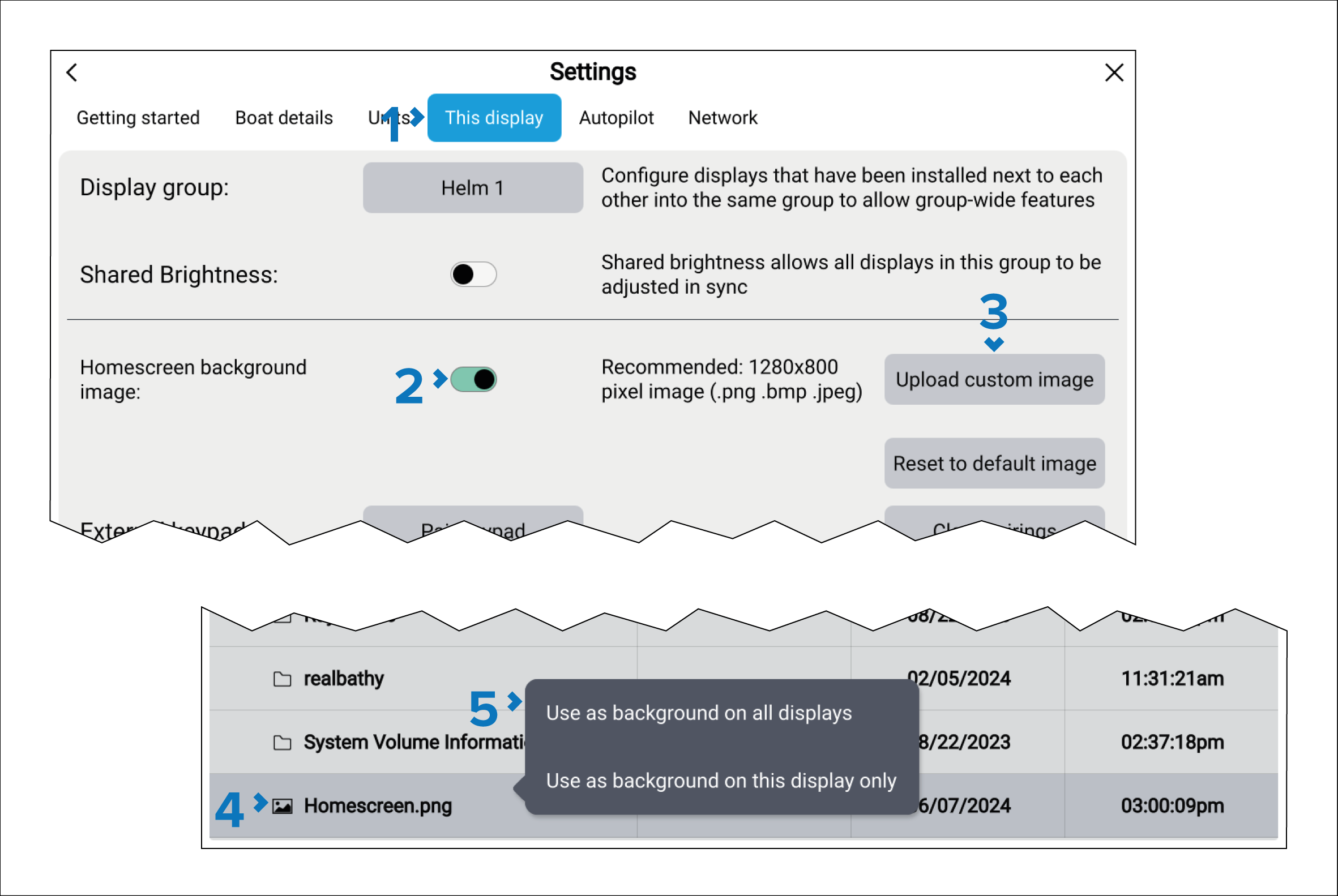
The Homescreen image can be reset at any time by selecting the Reset to default image button and then selecting Yes on the notification dialog.
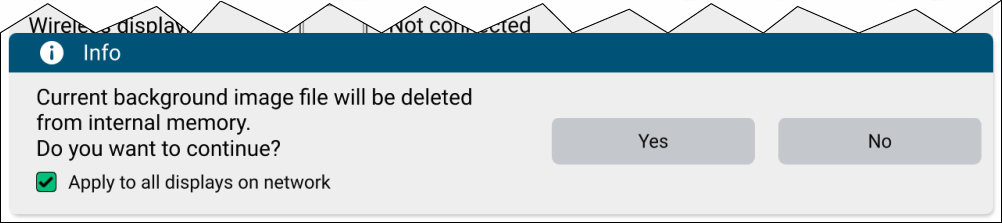
If you want to reset the Homescreen image on multiple displays, select the Apply to all displays on network check box.
Performing a factory reset will also remove all custom images.