Checking current software
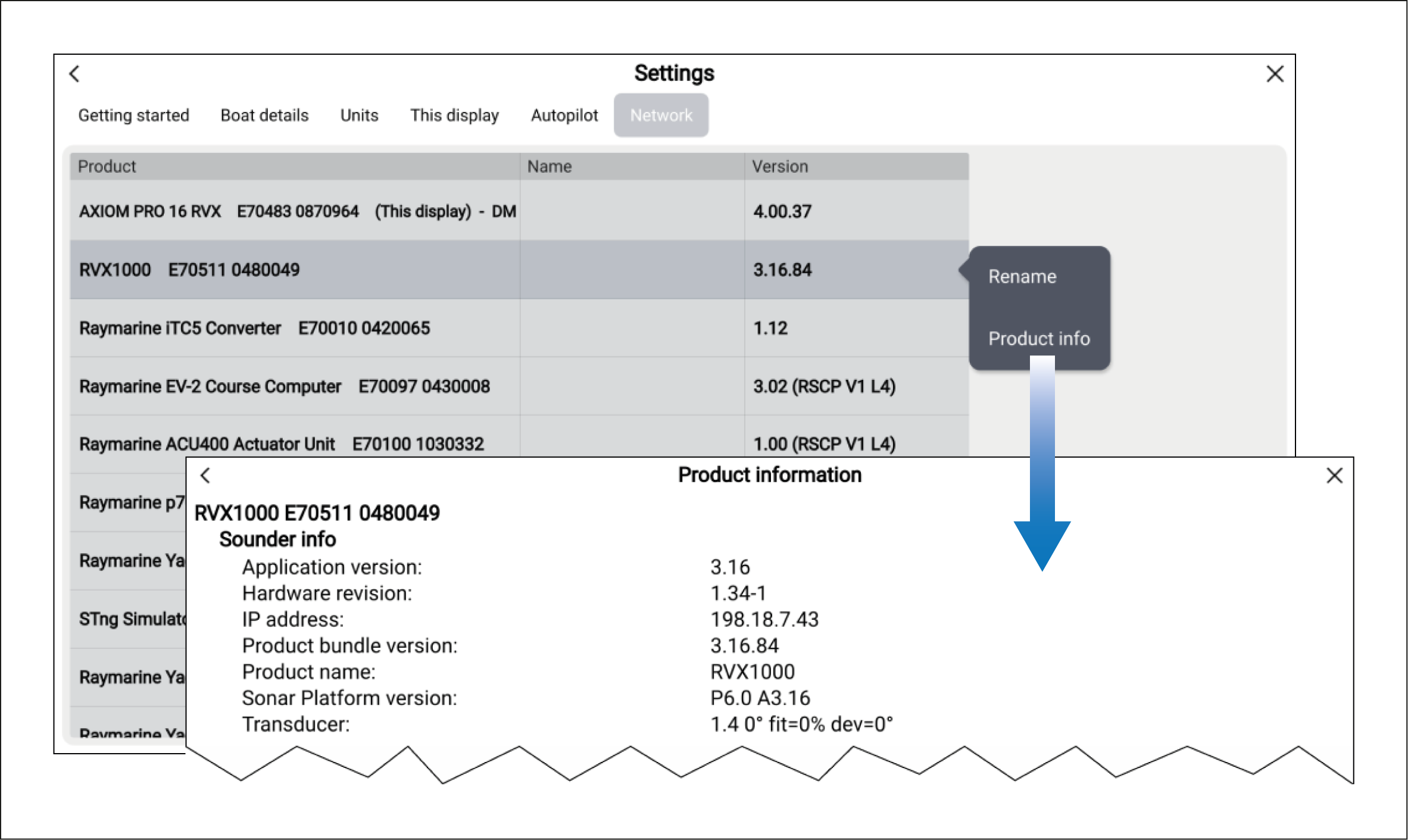
The chartplotter’s Network settings menu provides a list of all connected devices and their software versions. Further product information can also be viewed for each device.
The chartplotter’s Network settings menu provides a list of all connected devices and their software versions. Further product information can also be viewed for each device.