Cartography settings menu
The cartography settings menu provides settings and details relating to your electronic charts.
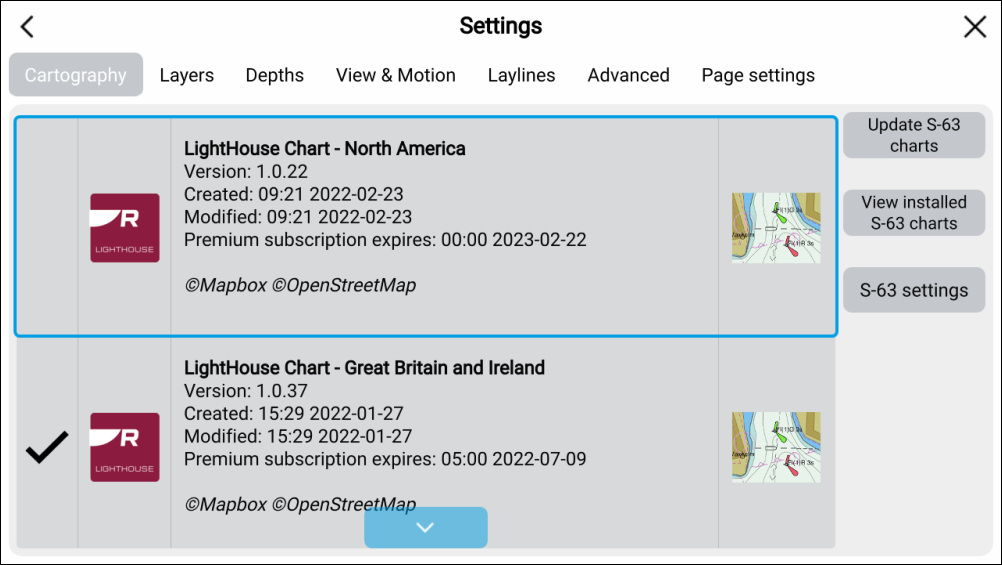
The cartography settings menu provides details of available electronic charts, and allows you to select which electronic charts are used in the current chart app instance.
Note
The details and subscription status for Navionics charts are only available on the display which has the physical chart card inserted in it.
For details about electronic charts and which charts are compatible with your MFD, refer to: Cartography overview
The cartography settings menu also provides settings for S-63 encrypted charts. For details refer to: S-63 Encrypted Charts