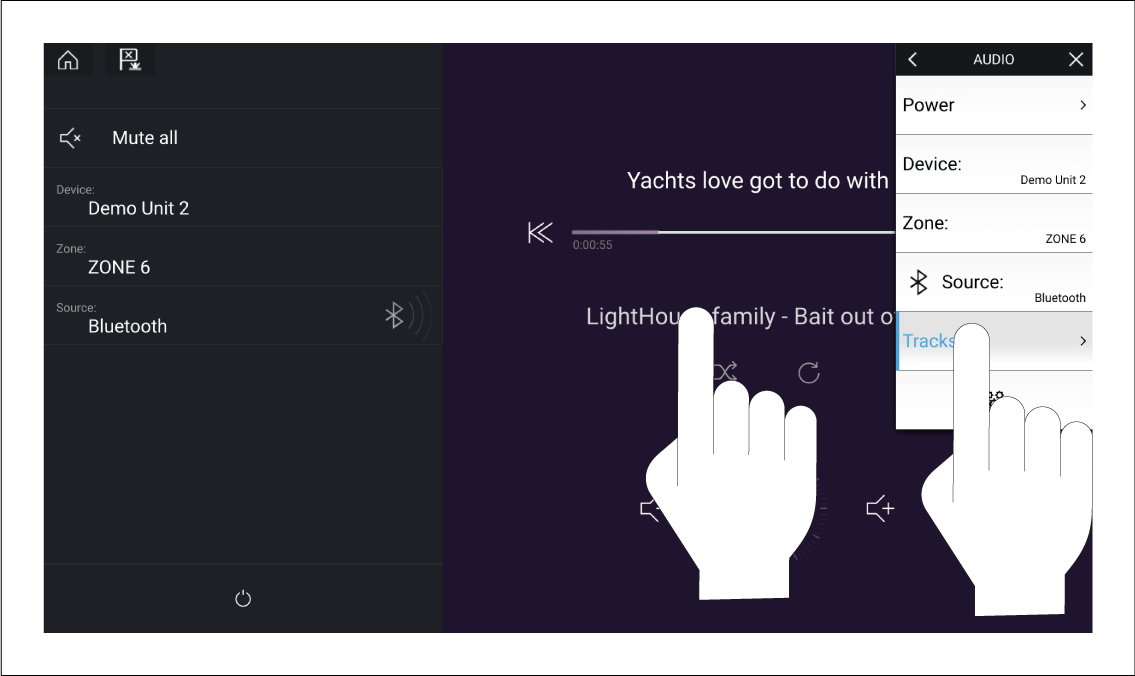
You can browse USB and Bluetooth devices for tracks.
With the relevant USB or Bluetooth device selected as the
audio source:
- Select Tracks from the Menu.
The file browser is displayed.
- Alternatively, you can select the current track’s details
to open the file browser.
- Browse to the file you want to play.
Wait for the file list to finish loading before selecting a
track.
- Select the track you want to play.