Bluetooth volume control
When your MFD is connected to a Bluetooth speaker, controls will be available to adjust speaker volume.
BluetoothSpeaker volume
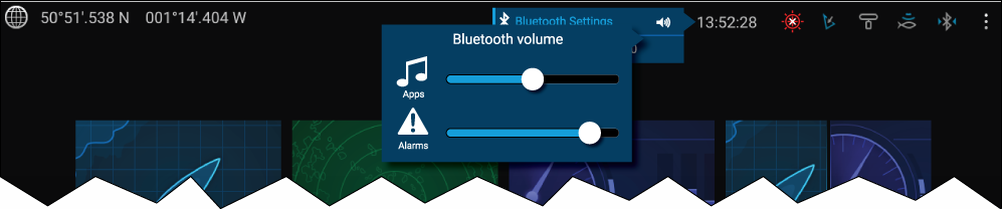
Figure 1. Homescreen
From the Homescreen select the Status area and then select the Speaker symbol to display the Bluetooth volume control for third-party Android apps and chartplotter alarms.
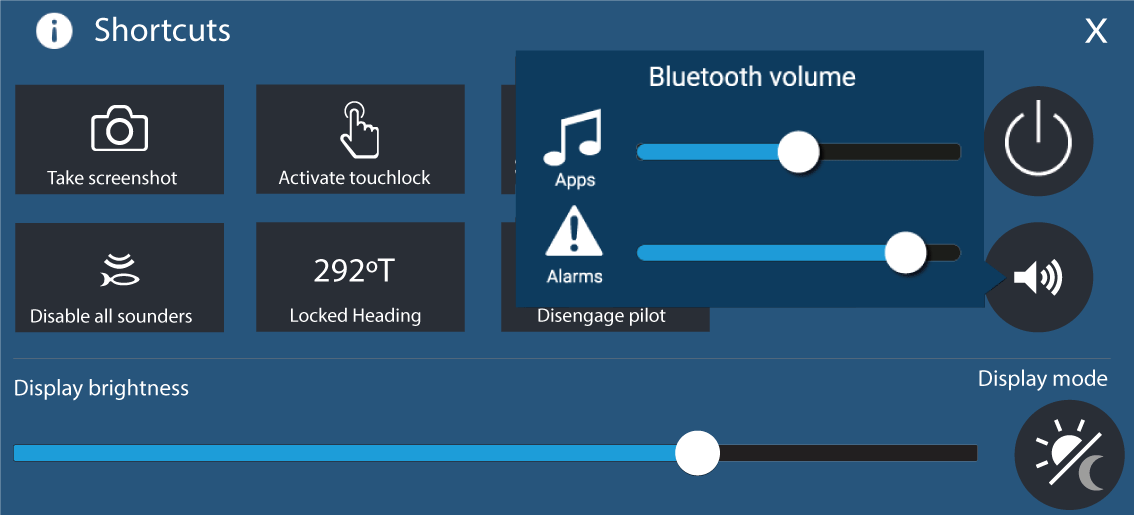
Figure 2. Shortcuts page
Press or swipe the Power button to display the Shortcuts page and then select the speaker symbol to display the Bluetooth volume control for third-party Android apps and chartplotter alarms.