Applying rounding directions from the context menu
Rounding direction can be applied from the waypoint context menu.
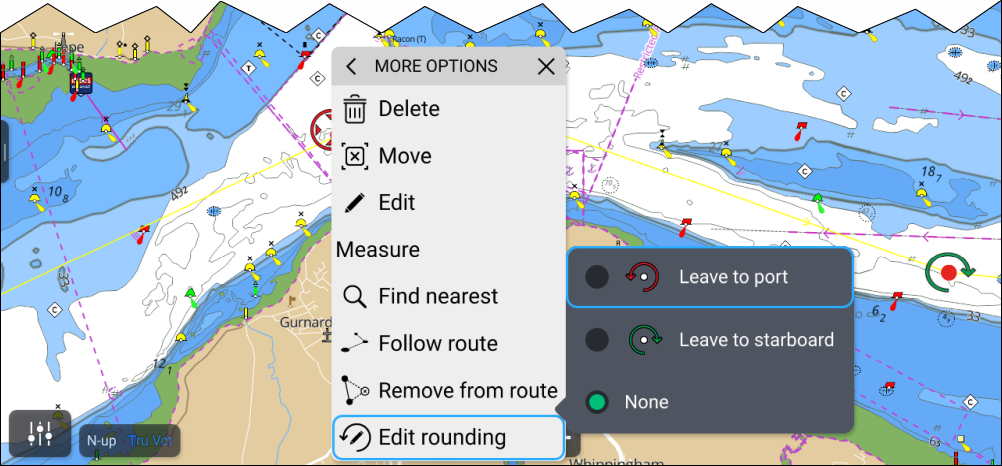
- Select and hold on the waypoint.
- Select More options from the context menu.
- Select Edit rounding.
- Select either Leave to port or Leave to starboard, as required.
Repeat the steps for all required waypoints.