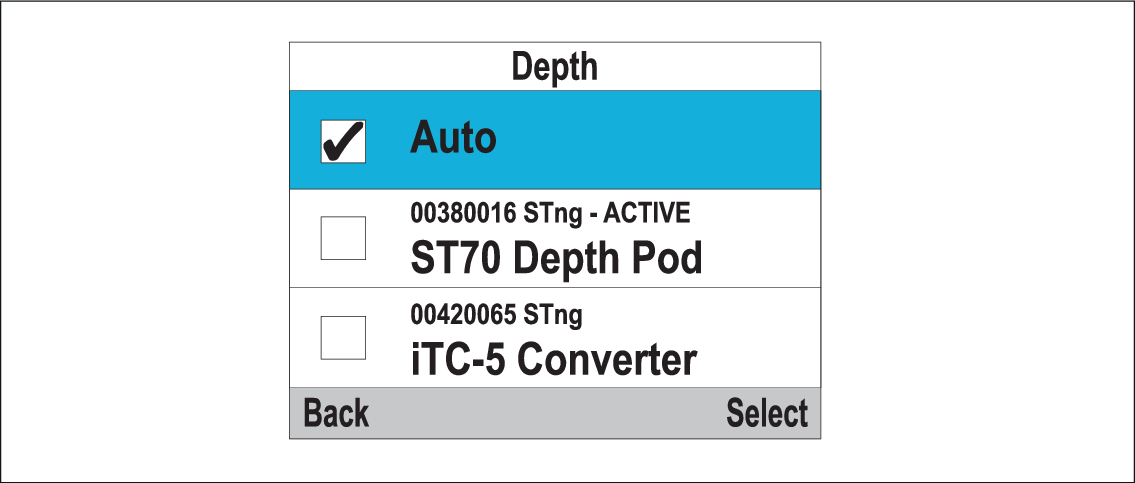
Selecting a preferred data source You can select your preferred data source for data items that can be shown on the display. Multiple data sources (MDS)Data sourcesSelection From the System Set-up menu: Menu > Set-up > System Set-up Select Data Sources.Select the Data type. The unit will now search for and display a list of all sources for the selected data type. Select your preferred data source, orSelect Auto to allow the system to decide. ‘ACTIVE’ is displayed next to the data source that is the current source for the data type. Parent topic: Multiple data sources (MDS)