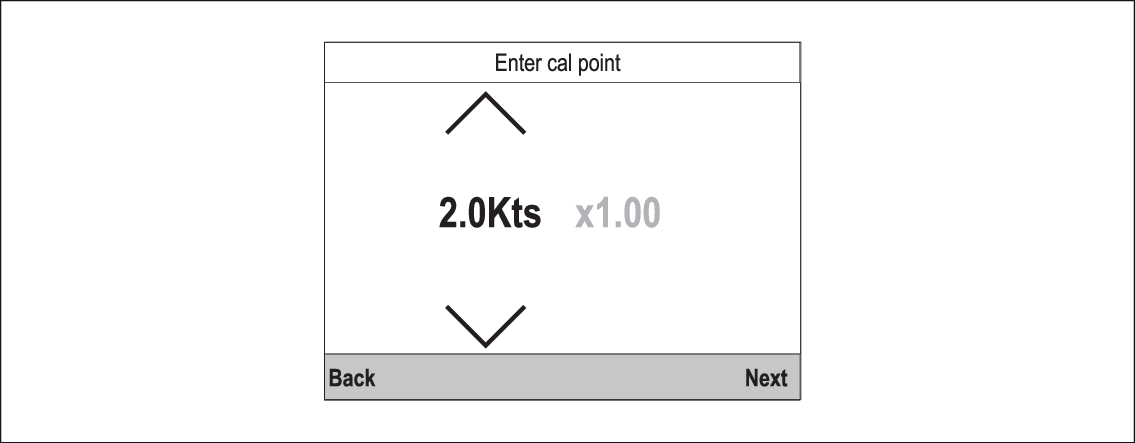
Entering a new Calibration table
A new Calibration table can be added manually.
The new Calibration table will replace the existing table which is
deleted. This is useful when you have been provided a specific calibration
table for your hull type.
Note
You will need to work out your Calibration factors for each Calibration point before you can create the new Calibration table.
CalibrationSpeedSpeed calibrationNew calibration tableFrom the Advanced menu:
- Select Start.
All existing Calibration points are deleted and you will be prompted to enter new Calibration points.