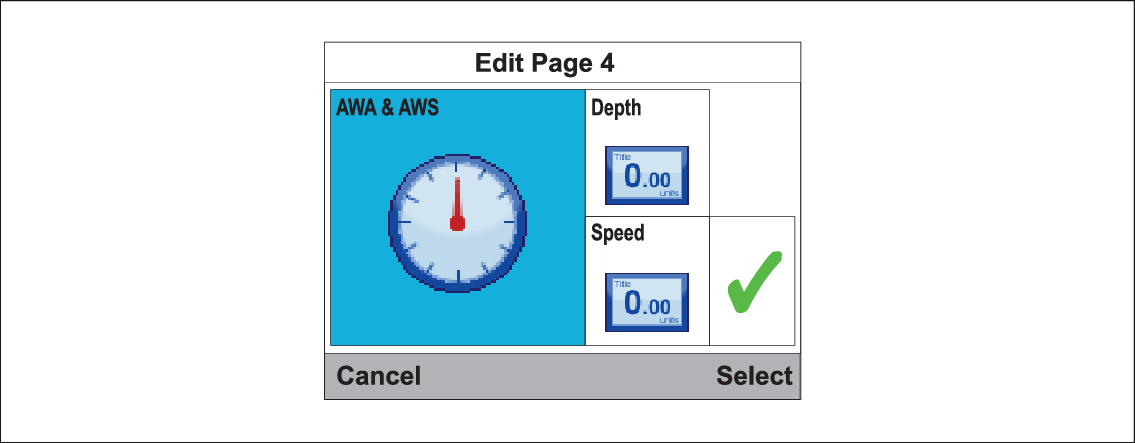
The data displayed on each page can be changed.
Favorite pageCustomizingWith the page that you want to edit displayed onscreen:
- Select Menu.
- Select Quick Options.
- Select Edit Page.
- Select the page that you want to edit.
- Use the Up and Down buttons to highlight the data item that you want to change.
- Press the Menu button to choose a new
data item.
- Select a data category.
- Select the required data item and format.
If a data item cannot be displayed in the selected data pane
it will be grayed out.
- Follow steps 5 to 8 for the remaining data items that you
want to change.
- When finished highlight the tick and select Save.
Pages can also be edited from the Favorite Pages menu: .