Check software version
The software version of your YachtSense DCS-Series Digital Control System can be checked from a Raymarine chartplotter (MFD) or from the Master or Remote module’s user interface.
From a Raymarine chartplotter (MFD)
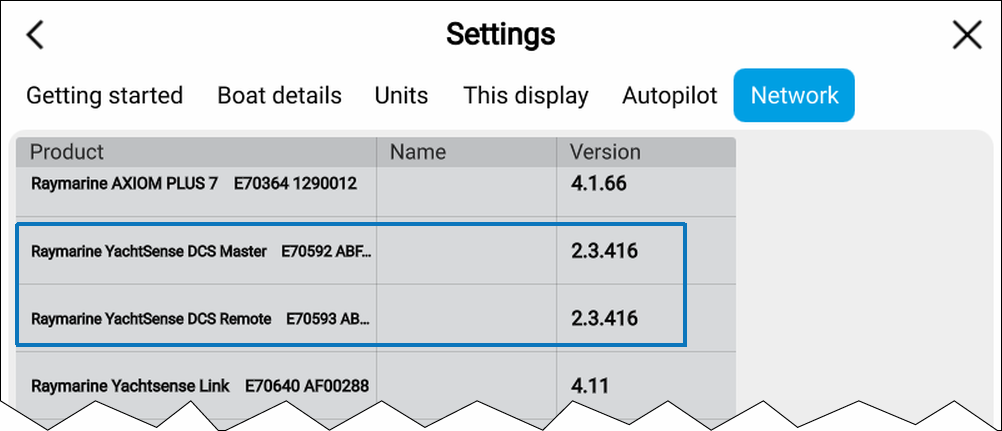
Firmware Software versionThe software version of Master and Remote modules can be checked from the Network settings tab: scroll to the Master or Remote module. The module’s software version is displayed in the Version column.
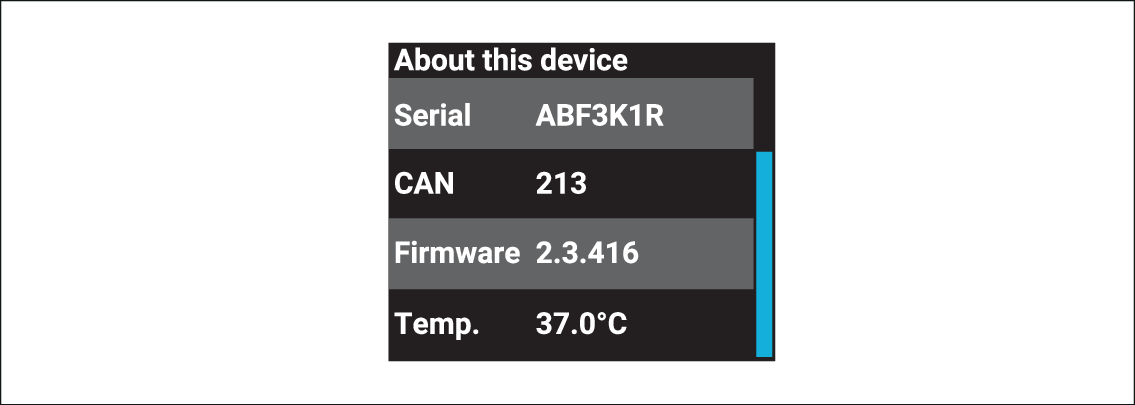
The software version can be checked from the About this device menu. Select OK to switch on the LCD then select OK again to open the menu, select About this device and scroll down to the Firmware version.