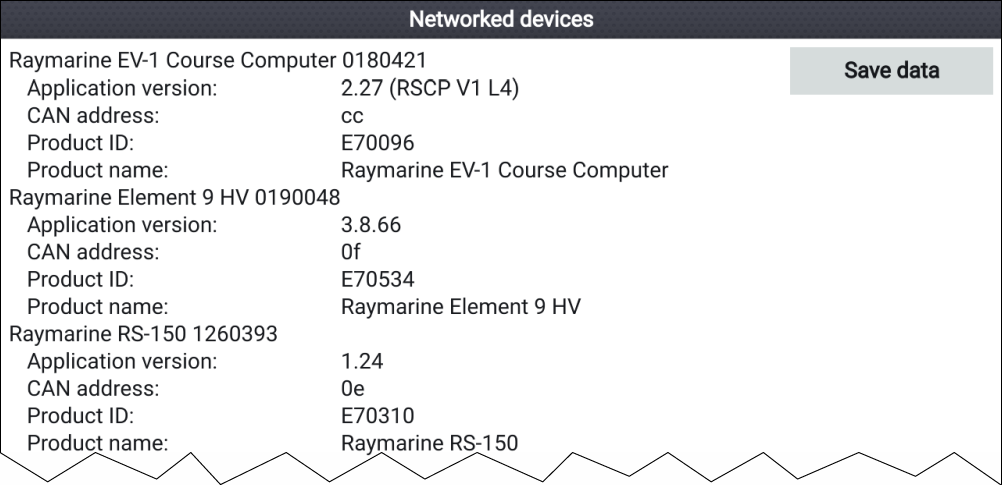
Viewing information about networked products Product information for networked products can be viewed from the Networked devices list. Diagnostics From the Homescreen: Select Settings.Select This display.Select Networked devices. Product information for compatible connected products is displayed. If required, use the Up and Down buttons to scroll through the list of product information. Press the Right button to highlight the Save data button, to save product information to a memory card. Parent topic: Viewing product informationPrevious topic: Saving product informationNext topic: Saving system logs