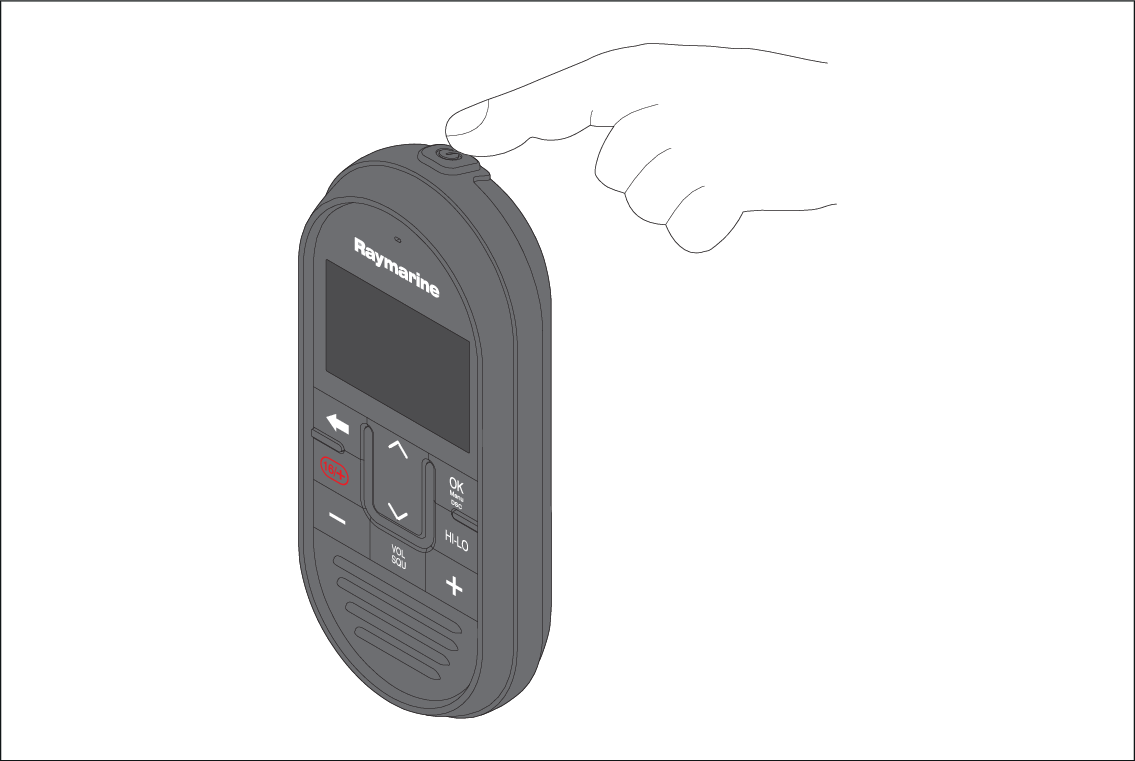
Powering the handset To power the Handset on and off follow the steps below. HandsetPower With the Base station powered On: Press and hold the Power button, located on the top of the Handset, for 2 seconds. The Handset will power on. To power off the Handset, press and hold the Power button for approximately 3 seconds, until the screen turns off. Parent topic: Powering the unit on