Camera status icons
OperationStatus iconsStatus icons
Icons are colored red if the WhiteHot or BlackHot palette is in use, and colored white for all other palettes.
Icon |
Description |
|---|---|
Thermal Camera 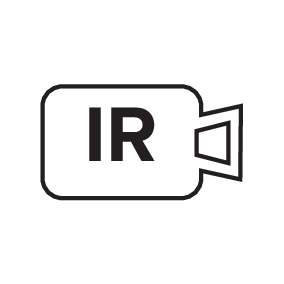 |
Indicates that the Thermal Camera feed is being controlled by a connected JCU. |
Visible Camera 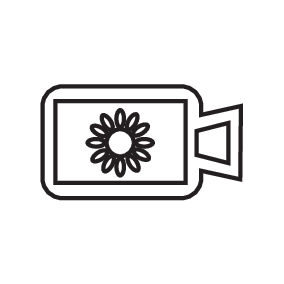 |
Indicates that the Visible-light Camera feed is being controlled by a connected JCU. |
Azimuth (Position) 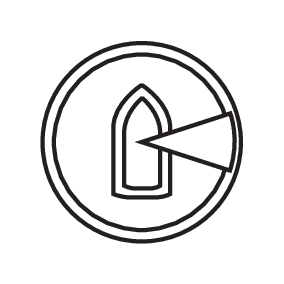 |
Shows the azimuth (or direction) of the camera relative to the vessel. The triangle shows the approximate camera Field Of View (FOV). |
Elevation (Tilt) 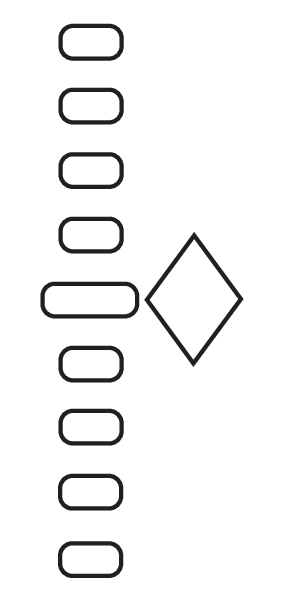 |
Shows the vertical tilt of the camera. The triangle shows the approximate camera position. |
Home  |
Indicates that the camera is in the home position. The icon flashes when a new home position is set. |
Lock Zoom  |
Locks the zoom factor of the camera to the active payload, whenever possible. Dual payload camera variants only: As the two payloads are separate imaging cores, they can each be set to a different zoom factor at the same time. E.g. thermal set to 2x zoom, visible-light set to 10x zoom. When you "lock the zoom to active", the camera attempts to synchronize the two zoom levels. |
Mirrored View  |
Indicates the camera feed is reversed with respect to the vertical axis; i.e. it will be the “mirror image” of the original default orientation. This feature is useful in situations where you have a camera pointing in the opposite direction to the direction of your vessel’s travel; i.e. it is a rear-facing camera. |
Polarity  |
Indicates a change in image polarity. For example, if you invert the polarity of a typical monochrome thermal image where white represents hot temperatures, and black represents cold temperatures, the colors will be inverted so that black represents hot temperatures, and white represents cold temperatures. |
Color Palette  |
Indicates a change in image color palette. |
NMEA NMEA messages  |
Indicates that the NMEA feature is enabled. For more information, refer to: NMEA radar tracking |
Power Down  |
This symbol is displayed to indicate that the camera is shutting down. |
Scene: Night  |
One of four scene presets (Automatic Gain Control (AGC) settings), optimized for use on the open water at night. |
Scene: Docking  |
One of four scene presets (Automatic Gain Control (AGC) settings), optimized for use when the boat is docking at night. |
Scene: Day  |
One of four scene presets (Automatic Gain Control (AGC) settings), optimized for use on the open water during the day. |
Scene: Contrast 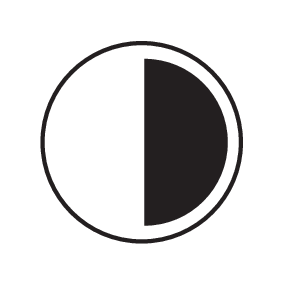 |
One of four scene presets (Automatic Gain Control (AGC) settings), optimized for providing visibility to small moving objects. |
Zoom Scale 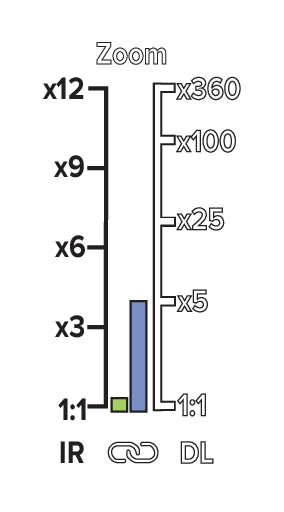 |
Indicates the zoom factor of the active camera. |
Vertical Stabilization 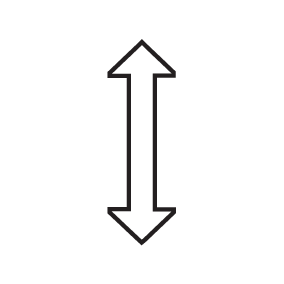 |
Indicates that gyro stabilization is configured to use the Vertical Stabilization setting only. Vertical stabilization is intended to minimize the effects of vessel pitch (while used in a forward or reverse facing position) and vessel roll (while used in a port or starboard facing position). |
Vertical and Horizontal Stabilization 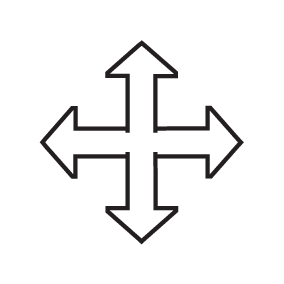 |
Indicates that gyro stabilization is configured to use the Vertical and Horizontal Stabilization setting. Vertical stabilization is intended to minimize the effects of vessel pitch (while used in a forward or reverse facing position) and vessel roll (while used in a port or starboard facing position). * Horizontal stabilization is intended to keep the camera pointed in a fixed bearing, even as the vessel turns. For further information, refer to the ‘Flir Maritime M300 Series Camera Horizontal Stabilization’ article found on the FLIR Technical Support Center website: Note
|