Pan, tilt and zoom (PTZ)
The camera controls allow for pan (azimuth) and
tilt (elevation) of the camera, as well as zoom (magnification) of
the thermal image.
PTZPanTiltZoom
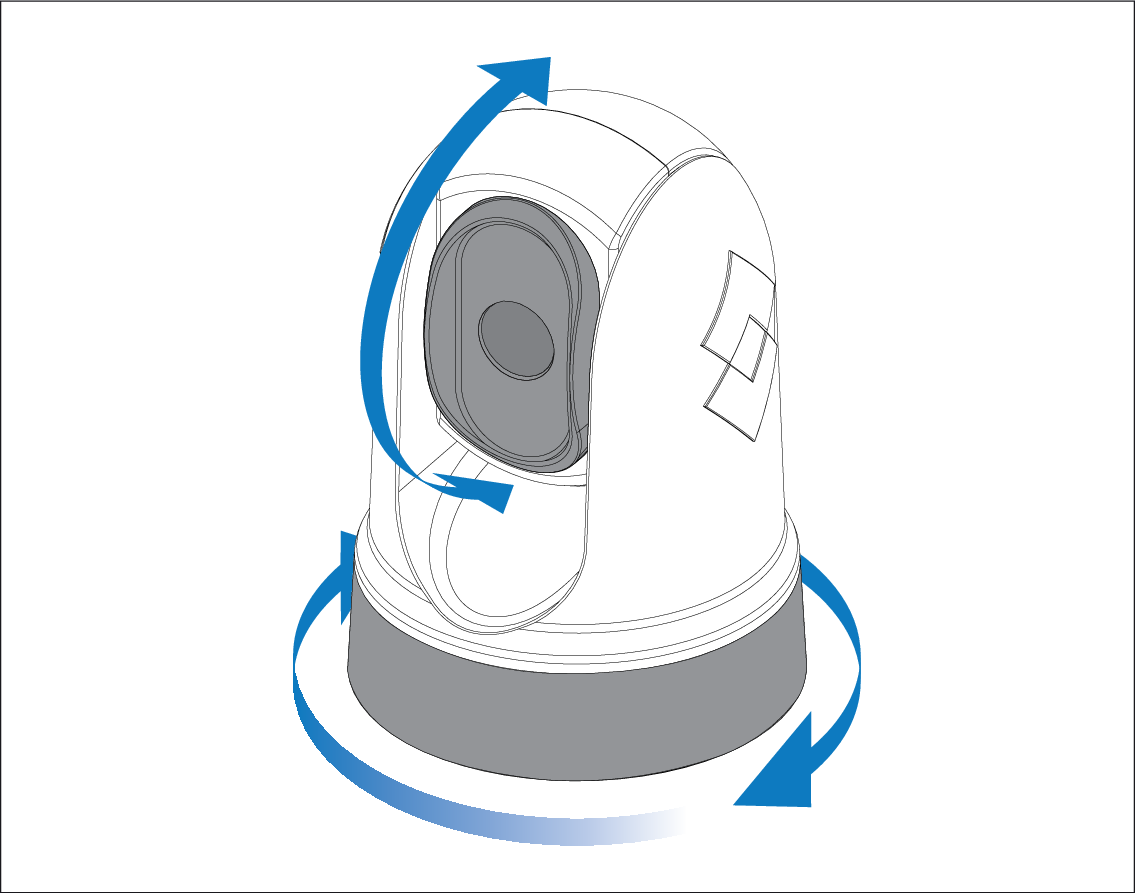
Pan continuously through 360° (M200-Series only).
Tilt to +110° / -90°, relative to the camera base.
Zoom the thermal camera image.
You can control pan, tilt, and zoom (PTZ) using:
A compatible multifunction display or chartplotter: see Compatible MFDs / chartplotters
The “UniController” on a JCU-3 remote keypad, or the joystick on a JCU-2 or JCU-4 remote keypad.
The camera’s Web browser interface: see Live Video page